Members
- PC
- Mobile
1
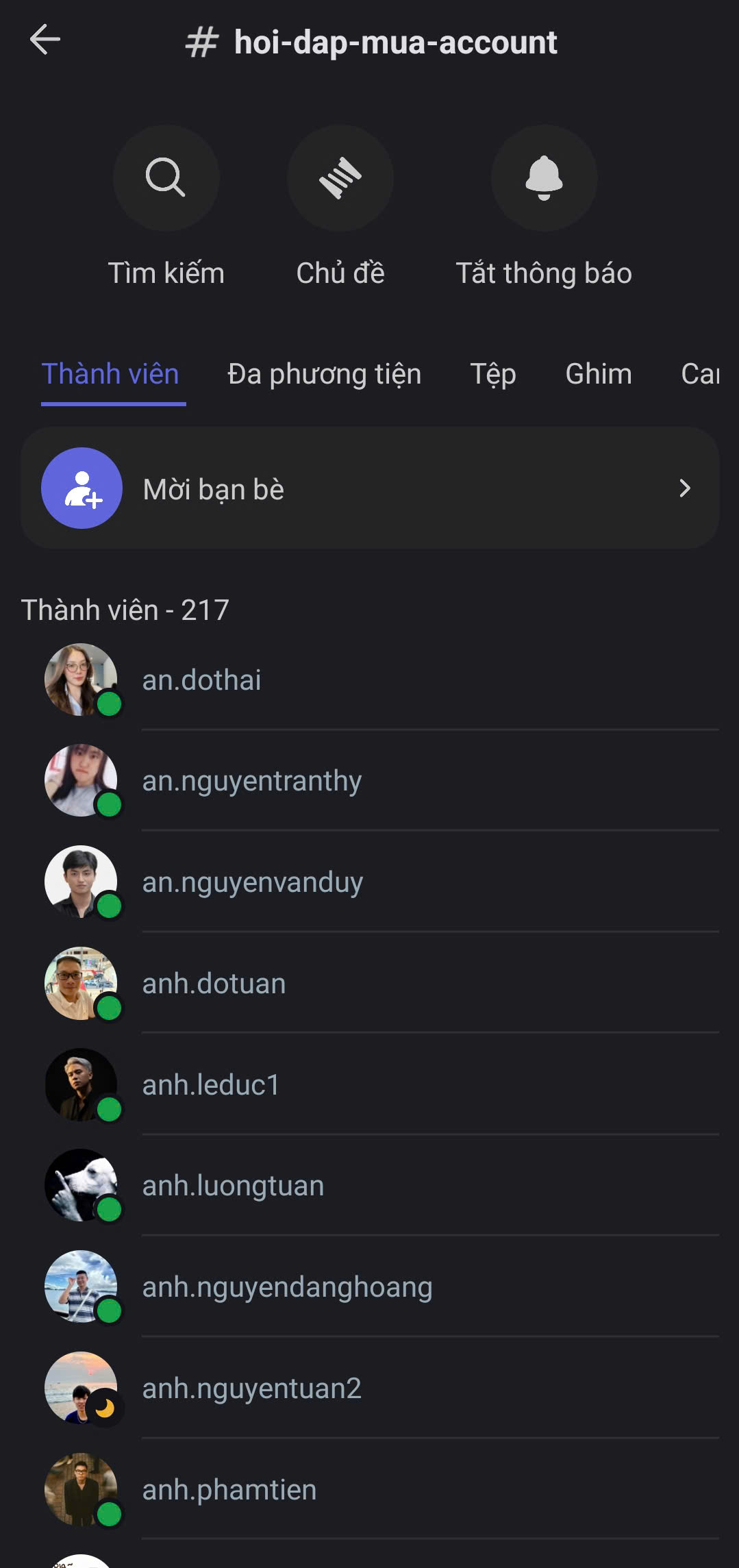
Open Mezon and select the member icon at the top of the channel to view the members.

2
Here, you can view the list of members in the channel.

tip
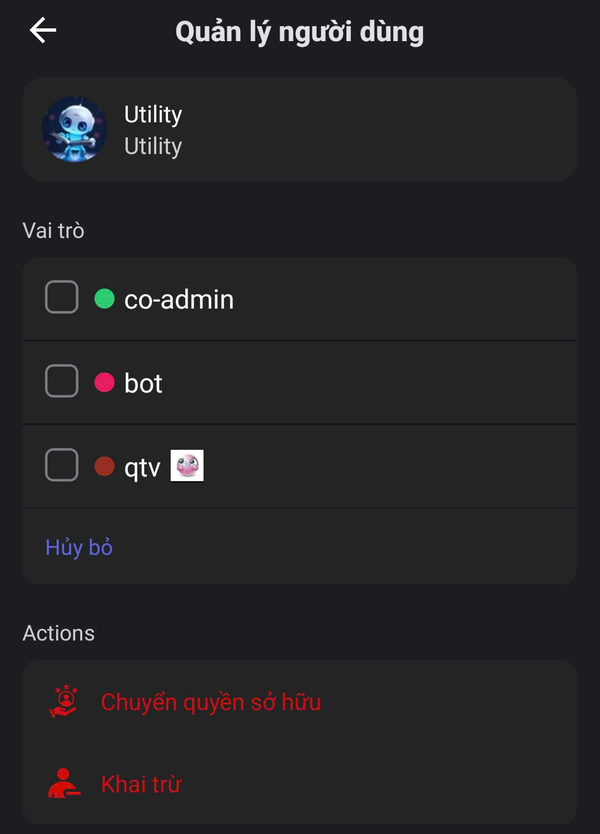
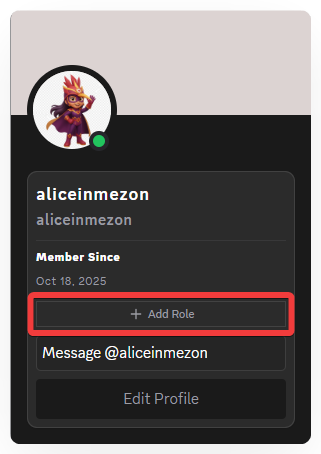
If you are the room owner, you can instantly assign a Role to a member with just one click.
tip
If you are the room owner, you can instantly assign a Role to any member with just one click.